Prolab LIS v2.3.0 Release: Enhanced Data Management and System Improvements

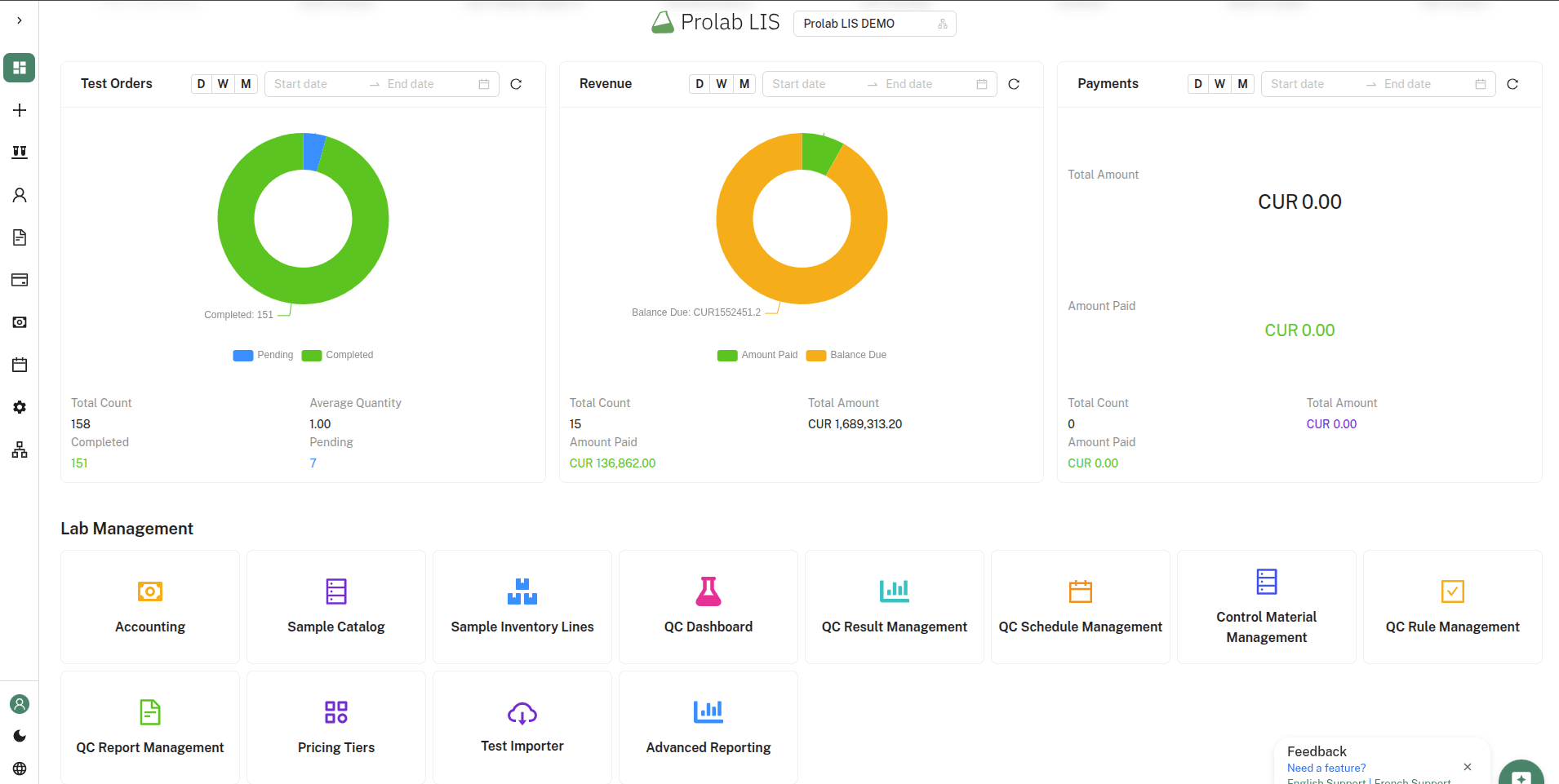
We’re announcing the release of Prolab LIS v2.3.0, bringing improvements to data management, security, and user experience for laboratory operations.
What’s New in v2.3.0
Test data export
Feature: Export all laboratory tests with complete metadata to CSV
- Export all test records with 54 data fields including:
- Test information (ID, Name, Code, Alias, Type)
- Panel hierarchy (TestPanelName, Parent relationships, Order)
- Clinical data (Specimen, Container, Storage, Reference Ranges)
- Pricing information (Price, Cost, PricingTierId)
- Quality control (ValidationStatus, VerificationStatus, ControlMaterials)
- Advanced settings (ReportingTime, TurnaroundTime, TemperatureRequirements)
- Relationships (InterpretationIds, TestGroupIds)
- Smart CSV formatting with proper escaping for special characters
- One-click export from the Test Management interface
- Ordered export by TestPanel and test order
- Secure export with proper authorisation (Test.Export policy required)
- Timestamped filenames for easy tracking

Use cases:
- Backup and migration
- Integration with external systems
- Data analysis and reporting
- Compliance documentation
- Multi-site synchronization
Security and authentication fixes
Template management security enhancement
- Fixed authorization issue in Template Test functionality
- Test button requests now properly include authentication tokens
- Prevents unintended logout when testing templates
- Improved error handling for unauthorized access
Template management improvements
- Enhanced template testing workflow with proper authentication
- Better error messages for failed operations
- Improved PDF generation for template previews
- Seamless authorization flow across template operations

Performance and reliability
Backend improvements:
- Optimized test export queries with efficient database relationships
- Proper handling of nullable fields and complex relationships
- Memory-efficient CSV generation for large datasets
- Error handling with detailed logging
Frontend improvements:
- Export functionality with loading states
- Success/error notifications
- Internationalization support
- Responsive UI elements
Developer experience
Code quality:
- Clean, minimalistic implementation
- Follows DRY principles
- Consistent error handling patterns
- Proper separation of concerns
- Maintainable codebase structure
Technical Details
Export endpoint
GET /dotnet_api/v1/Test/export/csv
Authorization: Bearer {token}
Policy: Test.Export
Response: CSV file download
Export data structure
The CSV export includes all 54 fields as specified:
- Core identifiers (Id, Name, Code, Alias)
- Ordering and hierarchy (Order, TestPanelOrder, TestPanelParentOrder)
- Relationships (SampleId, TestPanelId, PricingTierId)
- Panel information (TestPanelName, TestPanelParentName)
- Clinical specifications (Specimen, Container, Storage, Availability)
- Pricing (Price, Cost)
- Quality control fields
- Advanced settings
- Audit fields (CreatedAt, UpdatedAt)
Security
- Authorization required via
Test.Exportpolicy - Token-based authentication
- Secure file download handling
- Error logging for troubleshooting